Garage Accounting Software: How UK Garages Connect the Workshop to the Books in 2026
Garage accounting software isn’t one product. It’s two systems doing their own jobs properly: garage management software running the workshop, and accounting software like Xero, Sage or QuickBooks keeping the books, with a live connection between them so money data moves without anyone retyping it. The buying mistake is hunting for a single tool that does both. Nobody builds one well, and the garages that try end up with the worst half of each.
Declared bias first: I build Torqueflow, garage management software for UK independents, and its accounting side is the part of the product I’ll use as the worked example. Judge the argument on the specifics and ask the same questions of every vendor.
You’ll need the scepticism, because the search results for this term are a wall of garage system and repair shop software landing pages all claiming “accounting” in the feature list. Click through and it usually means one thing: the software can print an invoice. That’s not accounting. That’s a receipt with a logo.
What garage accounting software actually means
Your accountant thinks in two ledgers. Accounts receivable is money owed to you: every customer invoice raised, paid or chasing. Accounts payable is money you owe: supplier bills, parts, consumables, the rent. Real accounting software also handles VAT, payroll and year-end, and since Making Tax Digital became mandatory for VAT-registered businesses in April 2022, your VAT returns have to be filed through MTD-compatible software anyway. That job belongs to Xero, Sage, QuickBooks or FreeAgent, and it isn’t moving. Xero and Sage both publish pages pitching repair accounting software at repair businesses directly, from the one-ramp automotive business to dealer groups, and they’re right about the ledger half: for an auto repair shop, that’s exactly where the books belong.
So the question was never “can my garage software replace my accounting software?” A few vendors pitch a single platform for everything, a mini ERP for the automotive industry; what many growing workshops actually need is smaller and harder: a garage management system that runs the workshop brilliantly and hands the books a clean, complete feed. Two tools, a single source of truth. The rest of this guide is about what that connection should look like, because that’s where the products separate.
If you’re earlier in the journey and still choosing a system generally, start with the complete guide to garage software and come back here for the money side.
The direction most garage software ignores: your costs
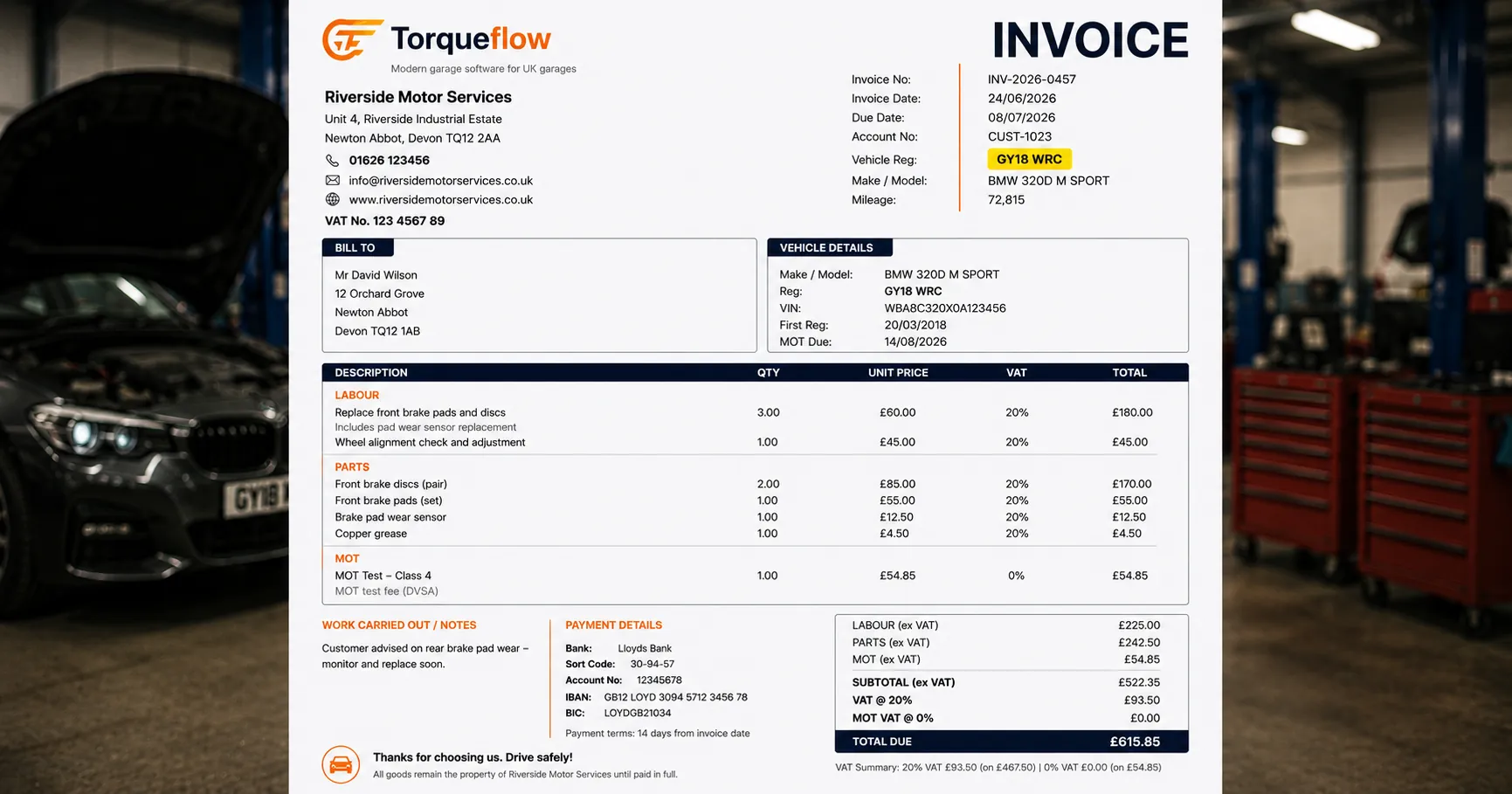
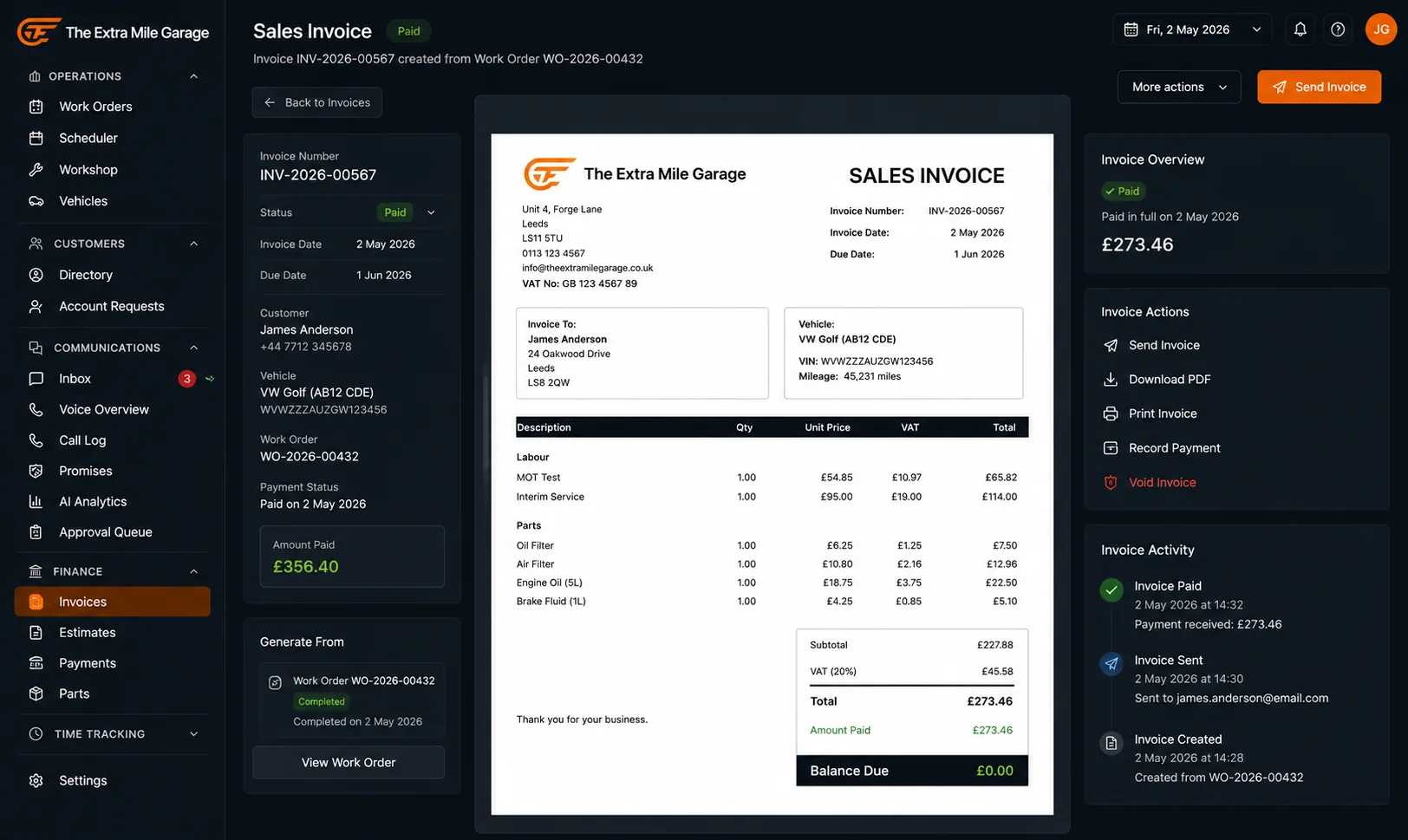
The sales direction is the solved problem. Any workshop software worth a demo can raise an invoice from job cards, take a card payment, and chase the balance. If invoicing itself is your pain, that’s a different read: what to look for in garage invoicing software covers it, and the finance features page shows how Torqueflow handles payment processing, deposits and customer statements.
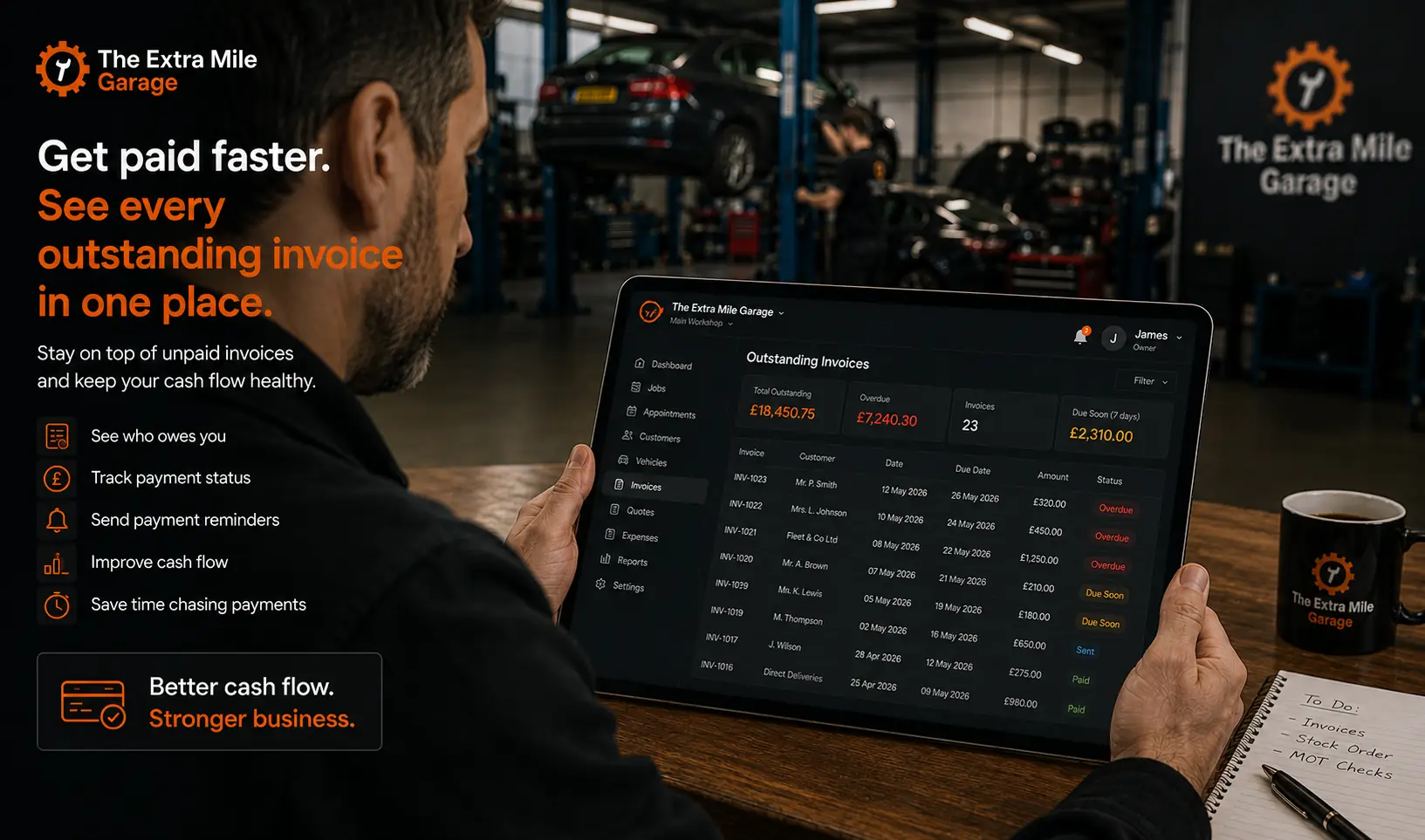
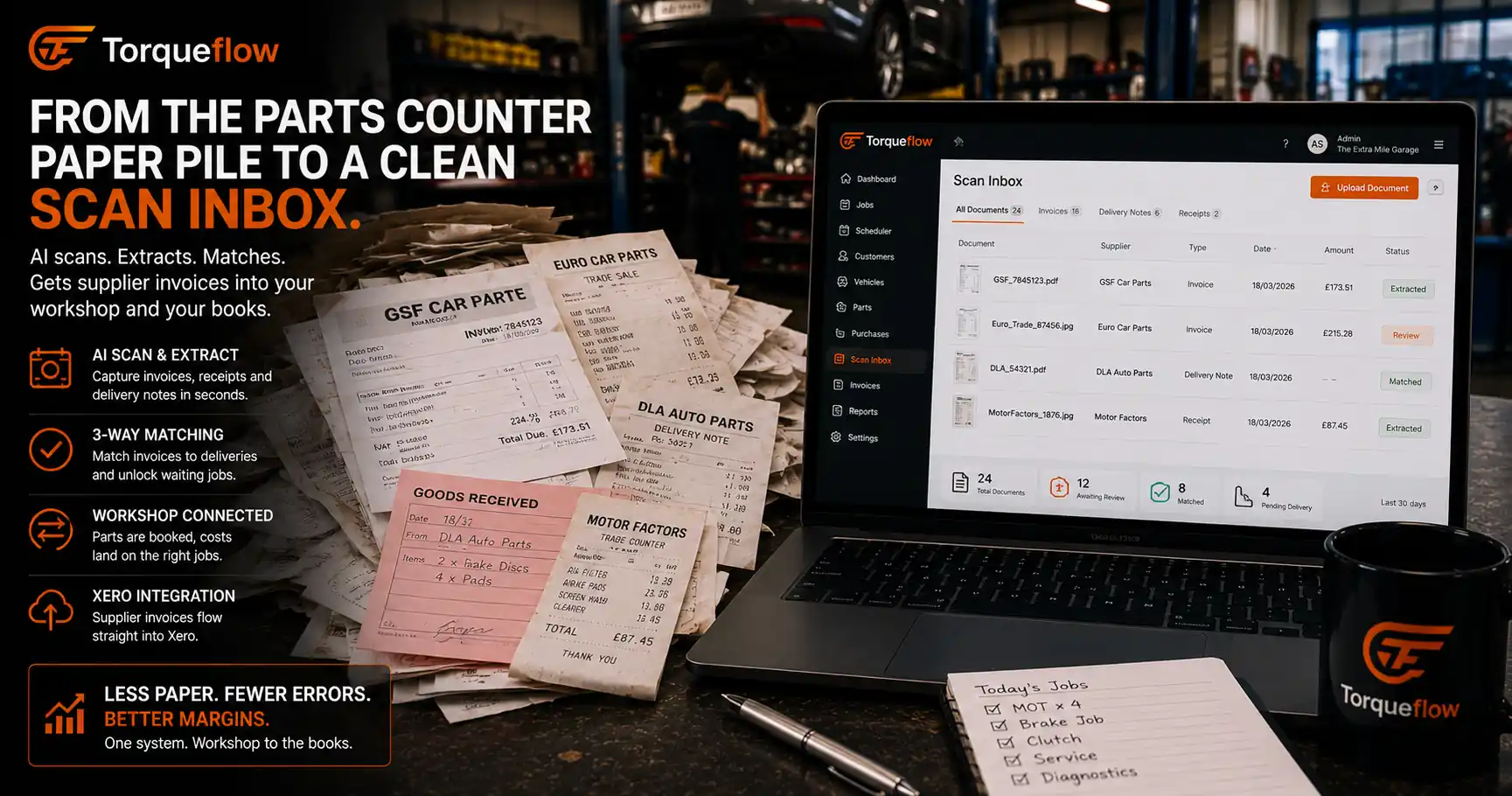
The cost direction is where independent garages bleed admin. Be honest about the current state of it: a spike of Euro Car Parts and GSF invoices by the till, trade-counter receipts stuffed in the van door, and a carrier bag of the lot handed to the accountant at quarter-end. Every line in that bag is manual data entry someone eventually does, at £40-plus an hour if it’s your bookkeeper, at 10pm if it’s you.
And the bag hides real money. If a supplier bills you for parts that never arrived, or prices creep between the quote and the invoice, nobody catches it in a carrier bag. Your records can’t show what you don’t record, and most garage systems simply don’t record the cost side properly. That’s the gap to interrogate in every demo.
What a real Xero integration looks like
“Integrates with Xero” is on every website, and it can mean anything from a nightly CSV dump to a proper two-way sync. The test is three questions.
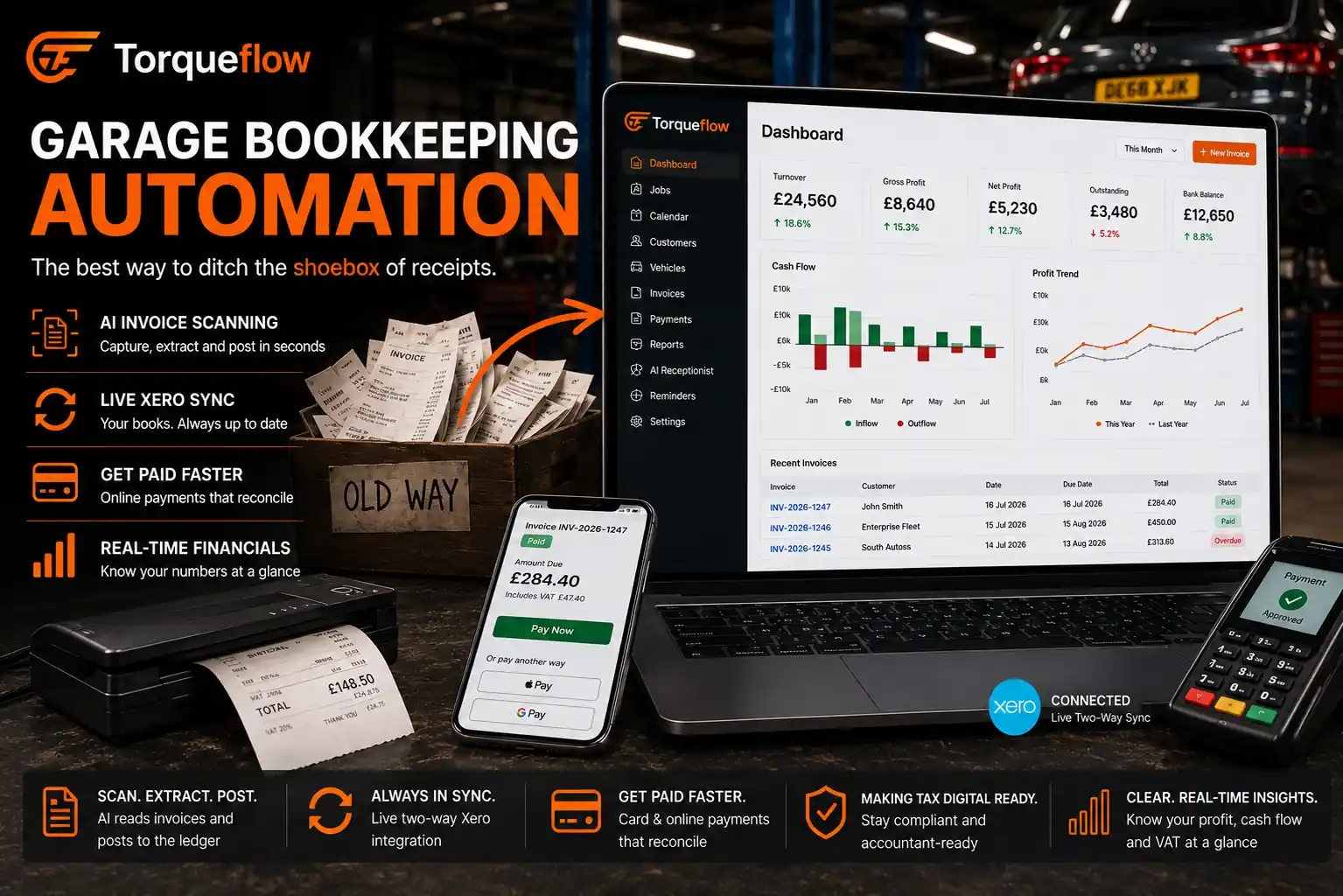
Does it sync both directions of money? Torqueflow’s Xero integration pushes sales invoices and purchase invoices into Xero automatically as they’re confirmed. Both ledgers, not just receivable.
Do payments come back? When your bookkeeper reconciles a bank payment in Xero, Torqueflow marks the customer’s invoice paid. Without the return leg, staff chase customers who settled up days ago, which is a miserable customer experience for everyone.
What does it cost, in plain numbers? Torqueflow’s Xero connection runs on the same credits as everything else: 50 credits a month per Xero organisation, one organisation per garage. No hidden integration tier.
Now the honest part, because this page ranks for “garage software that integrates with Sage” too. Torqueflow connects to Xero today. Sage, QuickBooks and FreeAgent are on the roadmap, not live. If you’re on Sage and won’t move, Torqueflow will still run your workshop operations and your sales invoicing, but the books connection isn’t automatic yet, and I’d rather say so than sell you a connector that doesn’t exist. Ask every vendor which packages they integrate with today and which are roadmap; “integrates with” claims deserve dates.
Scanning paperwork: what Dext and Hubdoc do, and what they can’t see
Accountants already have an answer to the carrier bag: bookkeeping capture tools. Dext (from about £24 a month on an annual plan, with document limits) and Hubdoc (bundled with Xero subscriptions) let you photograph or email in receipts and supplier invoices; the software extracts the totals and publishes them to the ledger. For pure bookkeeping they’re good products, and plenty of accountants will set one up for you.
But the software is designed for the accountant, not the auto workshop; a capture tool doesn’t know an automotive repair shop from a florist. It reads “£312.48, Euro Car Parts, 14 March” and files it under motor expenses. It has no idea those brake discs belong to the Focus on ramp two, no idea whether they ever physically arrived, and no way to tell the technician the job can start. Extraction is where these accounting tools stop, because the ledger is all they can see.
This is the part of the books problem that belongs inside the garage software, and it’s where Torqueflow’s AI-powered invoice scanning goes further than line extraction:
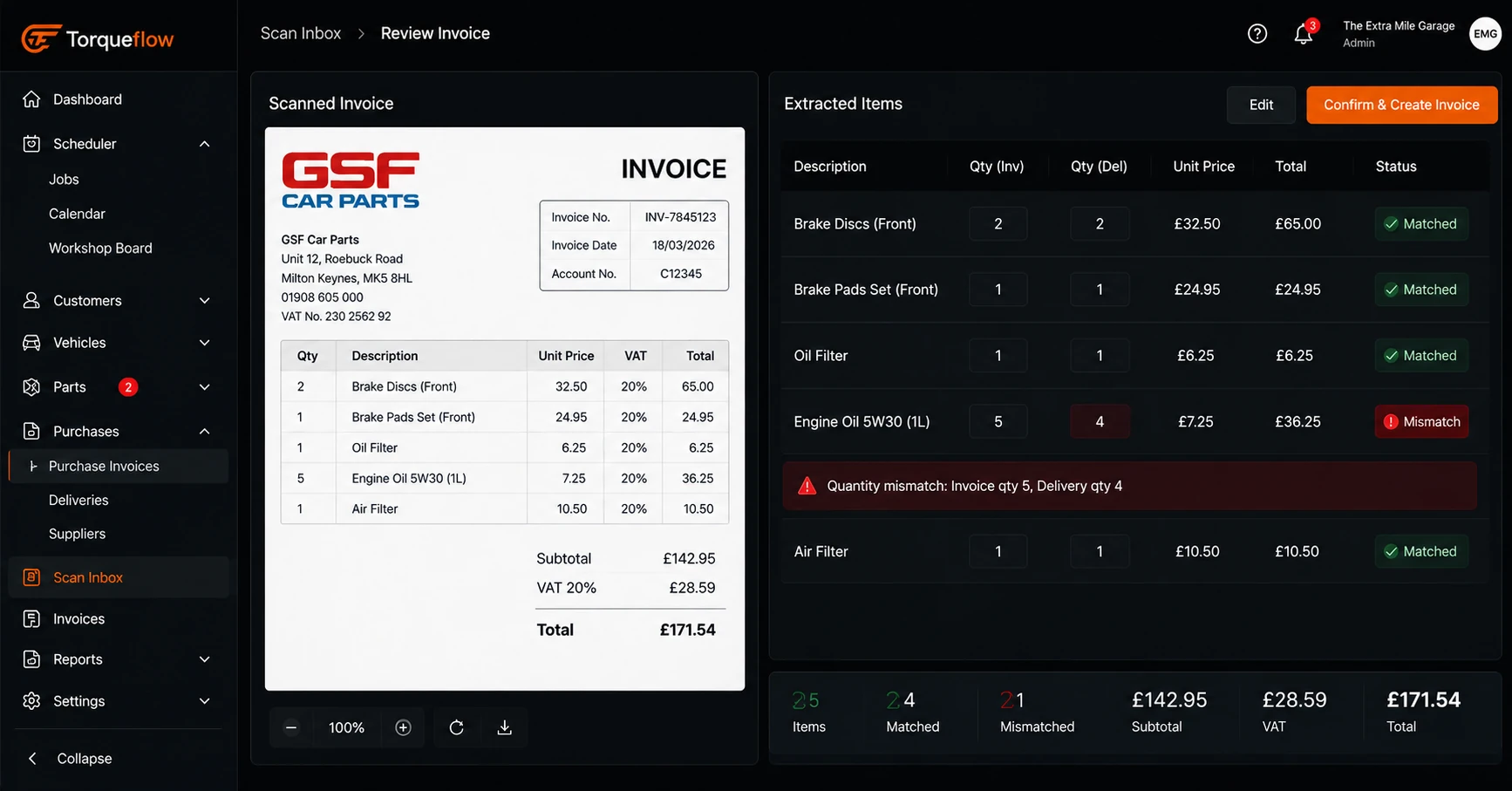
- Everything scans in. Email a supplier invoice to your garage’s own scan address, drag a PDF in, or photograph it at the trade counter. The AI reads the supplier, invoice number, dates, totals and every line item, then shows you a side-by-side review screen. You fix anything it misread and confirm; new parts and suppliers are created inline. No retyping.
- Delivery notes book parts onto jobs. Scan the delivery note and Torqueflow records what physically arrived, splits the lines between stock and the work orders waiting on those parts, and releases the waiting jobs. Goods-in becomes inventory control instead of guesswork, and the paperwork doesn’t just reach the ledger; it moves the workshop.
- Invoices and deliveries get matched, line by line. A matching dashboard pairs every scanned invoice against every confirmed delivery in close to real-time, badges quantity and price mismatches, and keeps two lists nobody else shows you: billed but never delivered, and delivered but never billed. The first list is money a supplier owes you back. The second is an invoice that will ambush next month’s numbers.
That third step is the one no capture tool and no accounting package can do, because only the system running the job cards knows what was ordered, what arrived, and what the customer was quoted. It’s also where the shoebox habit finally dies; there’s a fuller how-to in garage bookkeeping automation.
Two honest limits: scanning is GBP-only for now, and the phone camera takes one page per shot, so multi-page invoices go in from the desktop.
What your accountant actually needs at quarter-end
Ask your accountant what they want from your garage system and the answer is boring: complete, clean, on time. A few specifics make the difference between a quiet VAT quarter and a week of questions.
Every sale and every cost in the ledger, dated right. If purchase invoices flow in as they’re scanned, your accountant can record income and expenses as they happen instead of reconstructing March in July. VAT returns get filed from software that’s already MTD-compliant, using financial records that are actually finished.
Job-level costs, separated. Torqueflow tags costs to jobs and job types, so reporting features can show which work makes money. Labour-heavy servicing and parts-heavy repair behave completely differently; blended margins hide the difference, and your accountant can’t un-blend them after the fact.
Fewer surprises. Torqueflow can send your accountant or bookkeeper notification emails as invoices sync, so they see the feed rather than requesting exports. Give them read access early; a bookkeeper who trusts the feed stops billing you for re-checking it.
Payroll stays where it is. Wages, pensions and CIS live in the accounting package or your payroll bureau. Any garage system that claims payroll is claiming a compliance burden you don’t want it to have.
None of this needs you to understand double-entry bookkeeping. It needs the feed to be complete, which is the whole case for scanning the cost side instead of carrier-bagging it.
The accounting questions to ask before you buy any garage system
Round-ups of the top garage platforms and best garage software lists rank the range of features: job cards, MOT reminder texts, online booking, inventory management, customer communication and relationship management. Fine, but this is the money layer, and a system used by garages for years can still fail it. Put these to Garage Hive, Techman, GDS, Torqueflow and anyone else on your shortlist of garage management systems, in a live demo, on their real screens:
- Which accounting packages do you integrate with today, and is the sync two-way with payments coming back? Ask them to show a payment reconciled in Xero appearing against the invoice.
- What happens to a supplier invoice? If the answer involves typing, that’s your evenings.
- Can it capture a delivery note and put the parts onto the waiting jobs, or does goods-in live on paper?
- Will it show me billed-but-not-delivered lines? Watch for the pause.
- What does the integration cost, and what’s the number, not the adjective?
A cloud-based system with a mobile app matters for the daily work, and ease of use decides whether your service advisor actually scans things. But those five questions are the ones that separate a user-friendly front end from a software platform that will still be feeding your accountant correctly when you’ve grown to a second site. Buy for the growth plans, not the demo gloss.
A first month that gets the books connected
Skip the project management theatre. The way to actually simplify this is to automate one boring thing a week, an afternoon at a time:
- Week one: connect Xero and let the sales side sync. Watch one week of invoices land and reconcile.
- Week two: set up your scan address and add a forwarding rule so supplier invoice emails from ECP, GSF and the rest go straight in. Review your first scans; you’ll be under a minute per invoice by Friday.
- Week three: start scanning delivery notes at goods-in and watch parts land on jobs without anyone announcing it on the radio.
- Week four: open the matching dashboard, work the mismatch list once, and ring the supplier about anything billed but never delivered. That call usually pays for the month.
The productivity gain isn’t hypothetical: it’s the hours of typing and cross-checking that stop happening once the cost-side workflow runs itself, plus the automation quietly doing reconciliation prep in the background. That visibility is what “garage accounting software” should have meant all along: not a garage system pretending to be an accounts package, but workshop management software designed to feed one properly, and to save time everywhere the two meet.
If your books currently arrive by carrier bag, book a demo and bring one real supplier invoice and one delivery note; we’ll scan both live and you can watch the parts land on a job. Or just check what Torqueflow costs first, including the 50-credit Xero connection, because you’ve had enough of numbers that only appear after the demo.